
Cultist-Ai Local Editor
A downloadable tool for Windows
Cultist
Cut the dead air, subtitle it, and find the good parts — all on your own machine. No cloud, no uploads, no subscription.
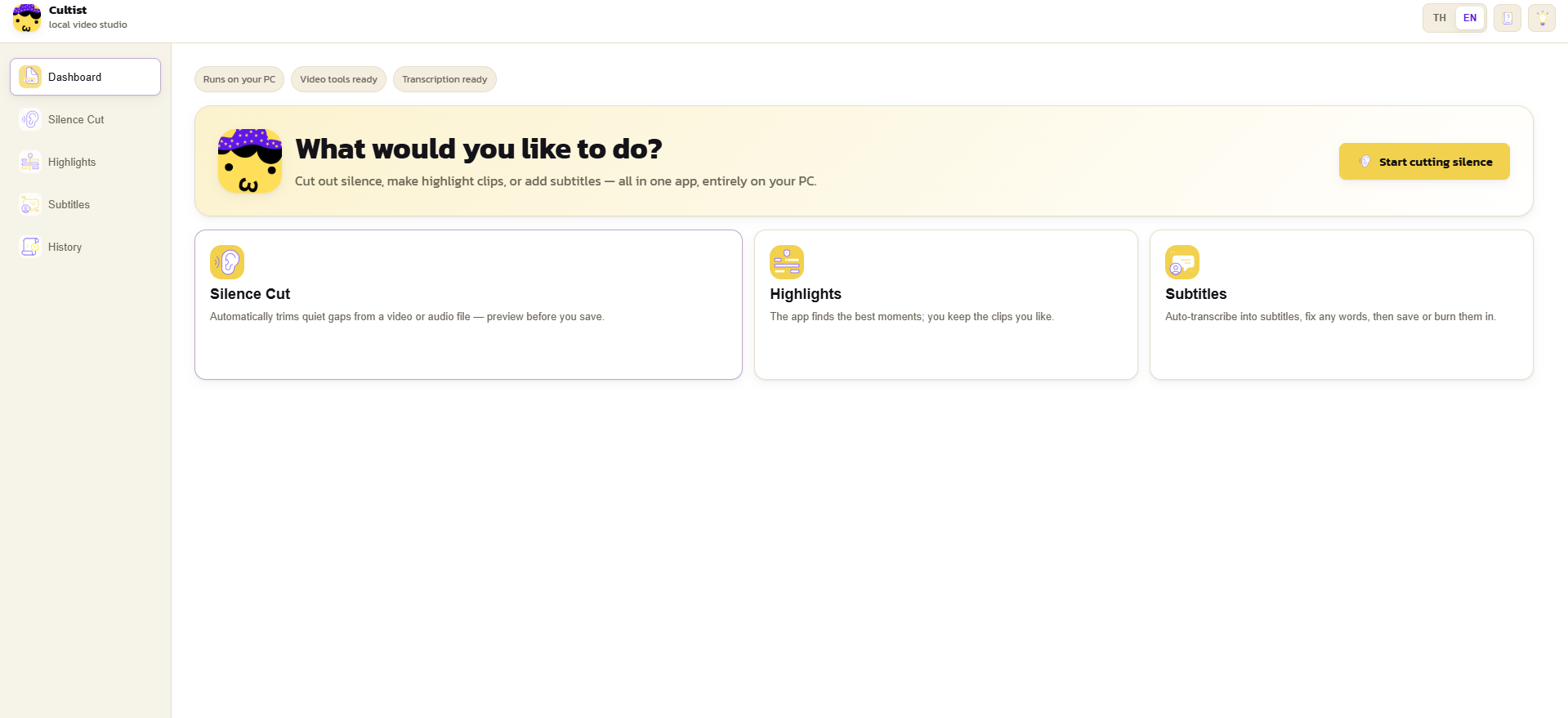
Cultist is a friendly desktop tool for anyone who works with long recordings — streamers, YouTubers, podcasters, lecturers, and editors. It watches your footage, strips out the long silent gaps, writes rough subtitles, reframes the shot around the person talking, and points you at the moments worth clipping. Everything happens locally on your computer. Your files never leave your disk — not to us, not to anyone.
Trim the silence automatically
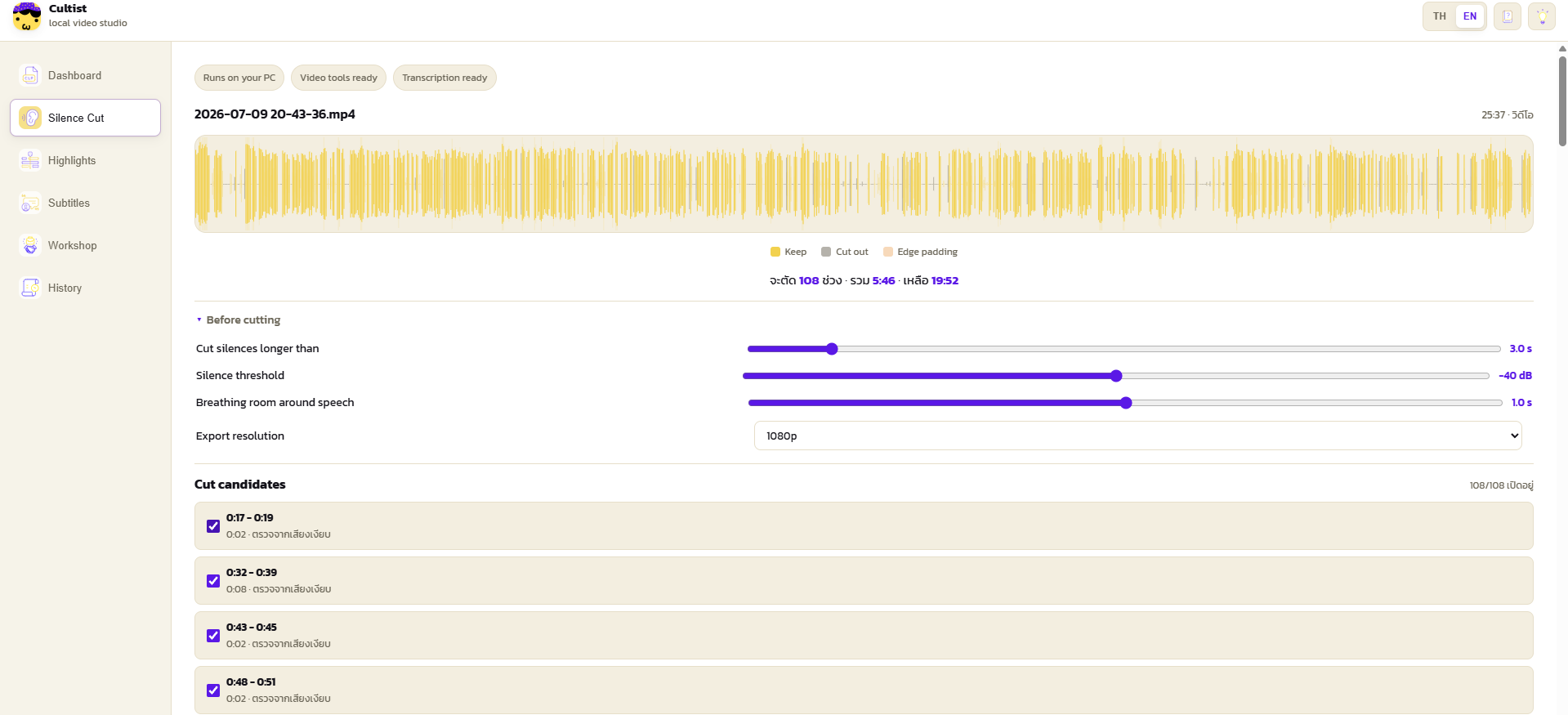
Point Cultist Silence at a video or audio file and it detects every stretch of no speech and removes it, keeping a little breathing room at each cut so the result never feels choppy. It listens for actual talking rather than raw volume, so background noise, room tone, or music won't stop a cut from happening. You control how long a gap has to be before it's trimmed and how much padding to leave. Then it re-renders a clean file with your audio and video intact.
subtitles that understand Thai
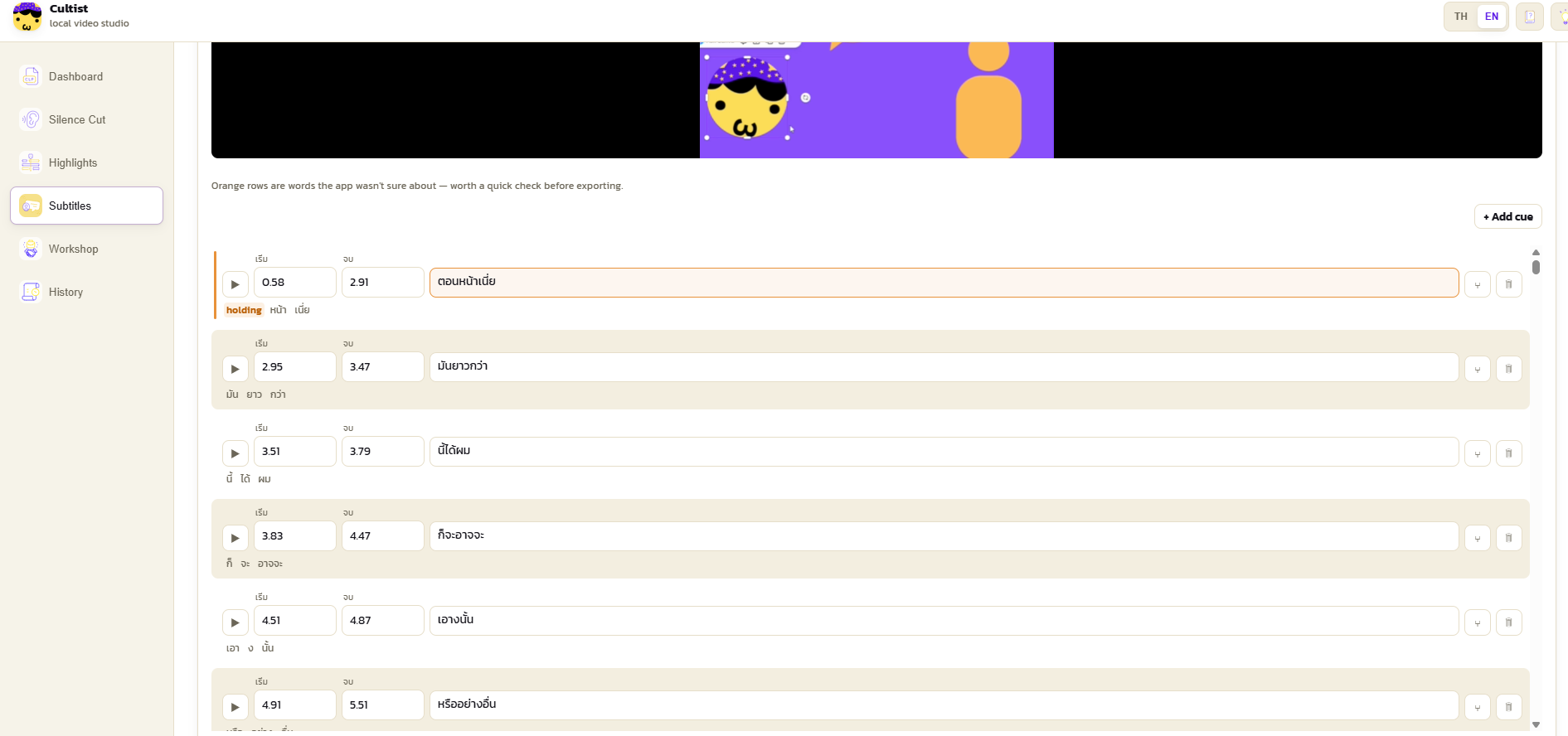
Generate rough subtitles right on your machine — Choose a quality tier from fast to best, including a Thai fine-tuned speech model for genuinely usable Thai transcription. Cultist Silence uses your graphics card to speed things up — any vendor (NVIDIA, AMD, or Intel) through a modern Vulkan driver, with an automatic CPU fallback if you'd rather not. Low-confidence lines are flagged so you know exactly what to review, and you can edit the subtitles before exporting.
Find your highlights
Let the app suggest the moments most worth clipping, so you're not scrubbing through hours of footage hunting for the good bits. The highlight models download on first use and then run locally.
Keep the speaker in frame
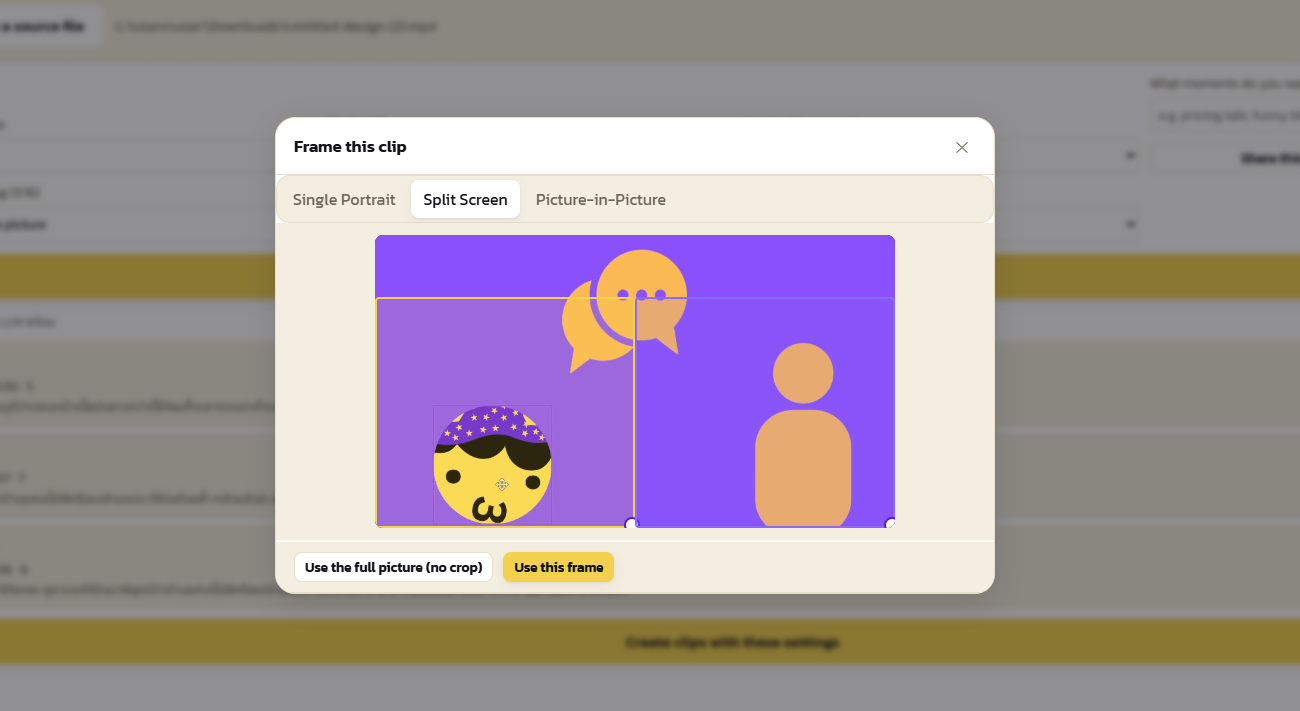
Automatic face-aware reframing follows whoever's talking with smooth, eased motion — handy for turning wide webcam or interview footage into a tighter, better-composed shot.
Truly private by design
There is no account, no server, no telemetry. The app runs a tiny local interface bound to your own machine only (127.0.0.1), and it reads your files straight from their location — even multi-gigabyte files work without copying or uploading anything. Once the models are downloaded, you can pull the network cable and it keeps working.
Why you'll like it
- One-click cleanup of silent gaps, with full control when you want it
- Local subtitles, with strong Thai support and easy review
- Works on any GPU (Vulkan) or CPU — no CUDA lock-in
- Highlight suggestions and auto face-reframing built in
- No subscription, no login — buy it once, run it forever
Purchase
In order to download this tool you must purchase it at or above the minimum price of $9.99 USD. You will get access to the following files:
Leave a comment
Log in with itch.io to leave a comment.